When attempting to install the Okta Active Directory (AD) Agent you may come across a very non-specific error message that literally tells you nothing. (see below)
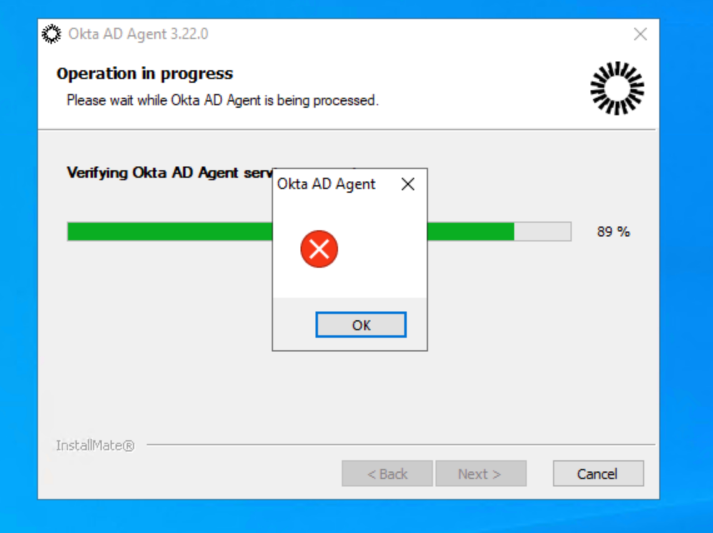
Digging into the install logs in C:\Program Files (x86)\Okta\Okta AD Agent\logs sadly doesn’t get you to much further to figuring out what is going on. See a code snippit below.
026/05/17 18:11:36.625-04:00 Error -- SERVER_NAME -- Unexpected error: A specified logon session does not exist. It may already have been terminated.

2026/05/17 18:11:36.625-04:00 Error -- SERVER_NAME -- Received System.Security.SecurityException: A specified logon session does not exist. It may already have been terminated.

   at System.Security.Principal.WindowsIdentity.KerbS4ULogon(String upn, SafeAccessTokenHandle& safeTokenHandle)
   at System.Security.Principal.WindowsIdentity..ctor(String sUserPrincipalName, String type)
   at System.Security.Principal.WindowsIdentity..ctor(String sUserPrincipalName)
   at Okta.Agent.Installation.AgentCli.UserUtility.CheckSvcUserPermissions(String username)
   at Okta.Agent.Installation.AgentCli.ConfigCli.VerifySvcUser()
   at Okta.Agent.Installation.AgentCli.ConfigCli.Execute(ConfigurationScope scope, String[] args)
The Zone of the assembly that failed was:
MyComputer
Resolution:
The resolution to this issue is to remove the user that is running the installer from the Protected Users group in Active Directory. I wish Okta’s error reporting was a little more helpful and this took longer than I’d like to admit to track down.